Simple Timer & Stopwatch
A clear timer and stopwatch for study, lessons and everyday tasks.
Download Free on the App Store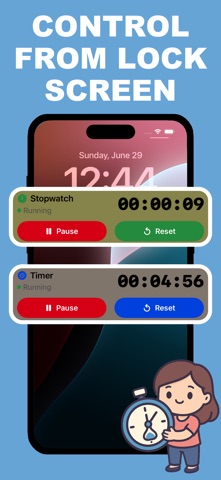
A clear timer and stopwatch for study, lessons and everyday tasks.
Download Free on the App Store
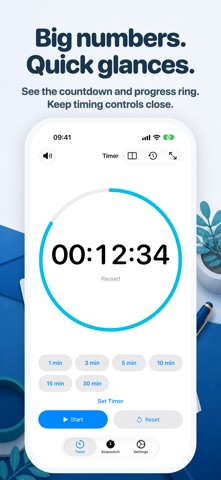
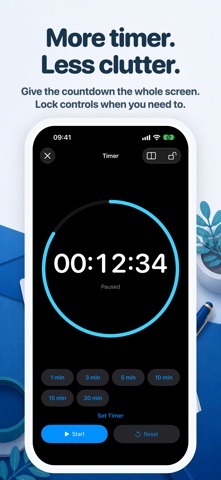
A clear timer and stopwatch for study, lessons and everyday tasks. Large time displays and responsive layouts keep your countdown or elapsed time prominent, with controls close at hand on iPhone and iPad.
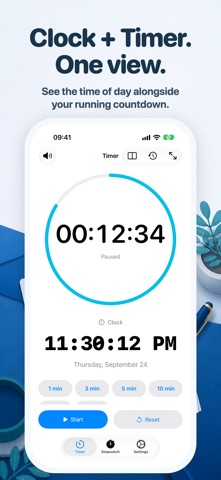
Turn on Clock in the layout menu to show the current time alongside your countdown. The clock is optional and off by default. Select the manual Tabletop layout to place the timer above its controls, or use the regular timer layout. Start/Pause and Reset stay at the bottom of the control pane, with presets and optional content above. Your running or paused session continues when you change layouts.
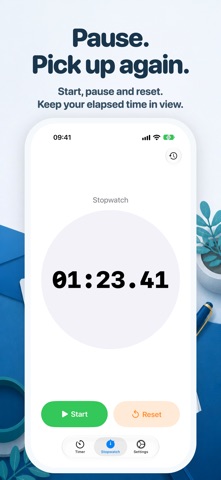
Start with 1, 3, 5, 10, 15 or 30-minute presets, or set a custom duration. Pause, resume and reset with simple controls. Use a full-screen countdown and lock its controls to help prevent accidental changes. Review your timer and stopwatch history.
Choose light, dark or system appearance, an alert sound or silent mode, and optionally keep the screen awake while timing. Live Activities show your timer or stopwatch on the Lock Screen and, on supported devices, the Dynamic Island. Alerts depend on notification permissions and system settings.
Ad-free timing, no account required. The timer and stopwatch work offline. Optional links to our other apps are in Settings.
Available in English, Japanese, Korean, German and Simplified Chinese.
Simple Timer & Stopwatch for iPhone — A clear timer and stopwatch for study, lessons and everyday tasks. Large time displays and responsive layouts keep…
Download Free on the App Store