Pocket Passport Studio
A photo for your next document, made on your iPhone.
Download Free on the App Store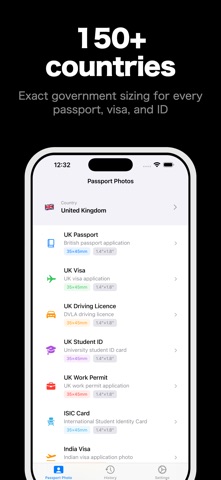
A photo for your next document, made on your iPhone.
Download Free on the App Store
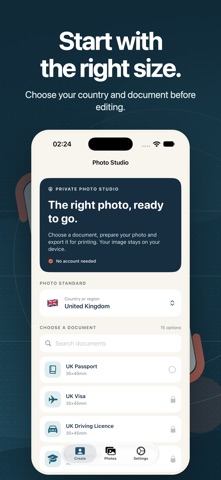
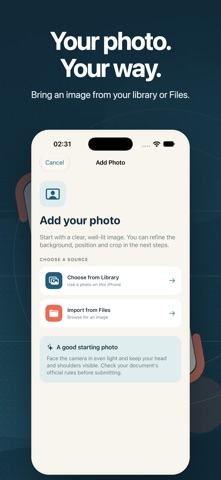
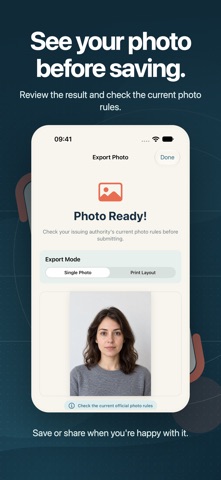
A photo for your next document, made on your iPhone. Pocket Passport Studio helps you prepare passport, visa and ID photos with a guided editing flow and useful size presets.
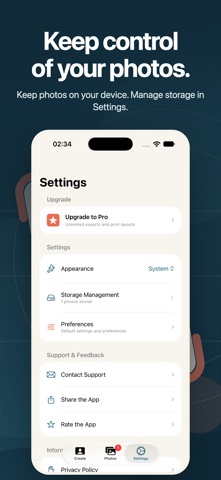
Photo processing happens on your device. No account is needed to create a photo, and your image is not uploaded for editing. Your finished photos stay in your local history until you remove them.
Photo rules vary by document and issuing authority. Always check the current official requirements before submitting a photo. The app cannot guarantee acceptance.
Terms of Use: https://www.cong-le.com/terms.html Privacy Policy: https://www.cong-le.com/privacy.html
Pocket Passport Studio for iPhone — A photo for your next document, made on your iPhone. Pocket Passport Studio helps you prepare passport, visa and ID…
Download Free on the App Store